4.9.2. Line Number Overview
4.9.2. Line Number Overview
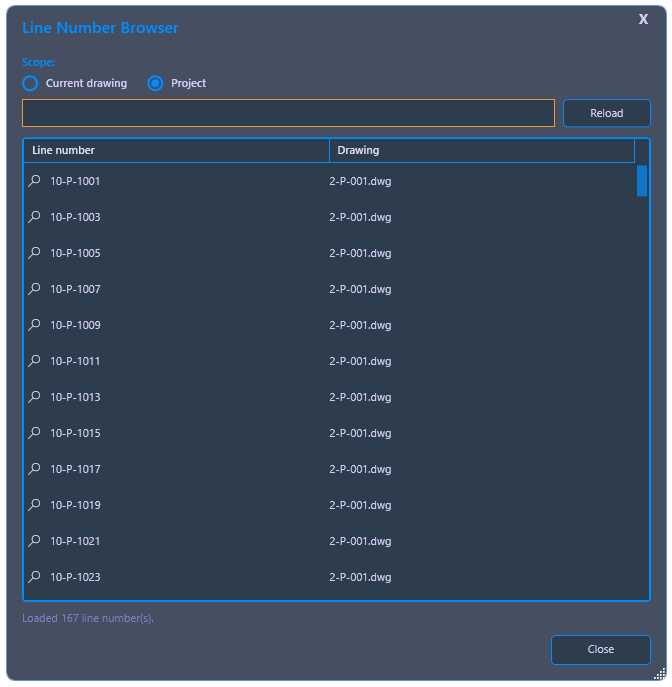
Lists all line numbers assigned in the current drawing or in the entire project. Using a magnifying glass button, you can zoom directly to the corresponding line in the model; if the line is in another drawing, PiCri automatically opens this drawing. This makes it possible at all times to see which line numbers have already been assigned, in which drawing they can be found, and which numbers are still free.
Ribbon button: Properties > Line Number
Command: PiCriShowLineNumber
Procedure:
- Start the command. In the dialog, choose between Current Drawing and Project.
- PiCri displays a list of all assigned line numbers, each with an indication of the drawing in which the line is contained.
- Using the magnifying glass button, the corresponding line in the associated drawing is zoomed in on; if necessary, the drawing is opened automatically.