4.10.3. Detect sagging sections of piping
4.10.3. Detect sagging sections of piping
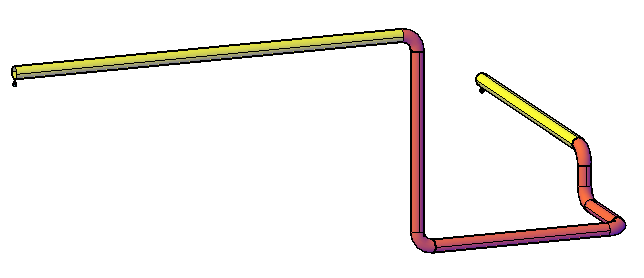
Detects sagging sections of piping (local low points in a line where medium cannot drain freely) and highlights them in red in the model. Such sags are undesirable in many plants because they prevent complete drainage of the pipeline – but they are not always easy to detect, even with careful planning.
Ribbon button: Design > Detect sagging sections
Command: PiCriSaggingSection
Procedure:
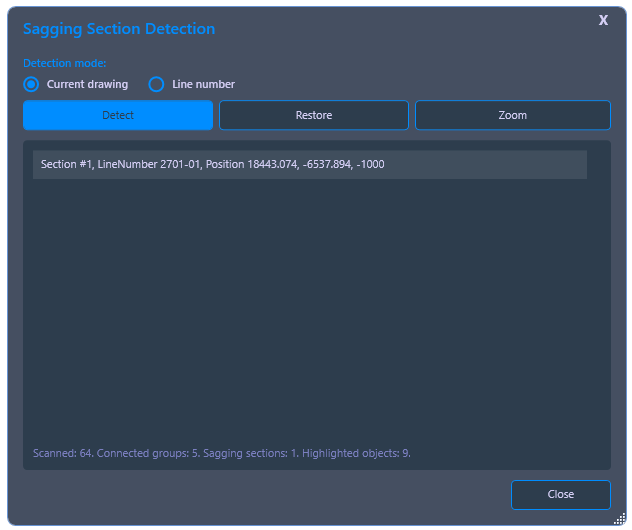
- Start the command. Choose between Current Drawing or a single Line Number.
- Click Detect. PiCri analyzes the elevation profile and highlights detected sagging sections in red. The markings allow an assessment of whether the respective location needs to be adjusted.
- Use Reset to remove the red highlight and return the model to its original colors.