4.4.1. Prepare
4.4.1. Prepare
Defines the boundary of the clip box.
Ribbon button: Clip Box > Prepare
Command: PiCriPrepareClipBox
Workflow:
- Click on "Prepare".
- If a clipping area already exists, you will be asked whether you want to replace it or keep the existing one.
- If the model is currently clipped, it will first be automatically unclipped.
- Select the objects that define the area to which you want to clip. PiCri creates a bounding box on a special clip box layer.
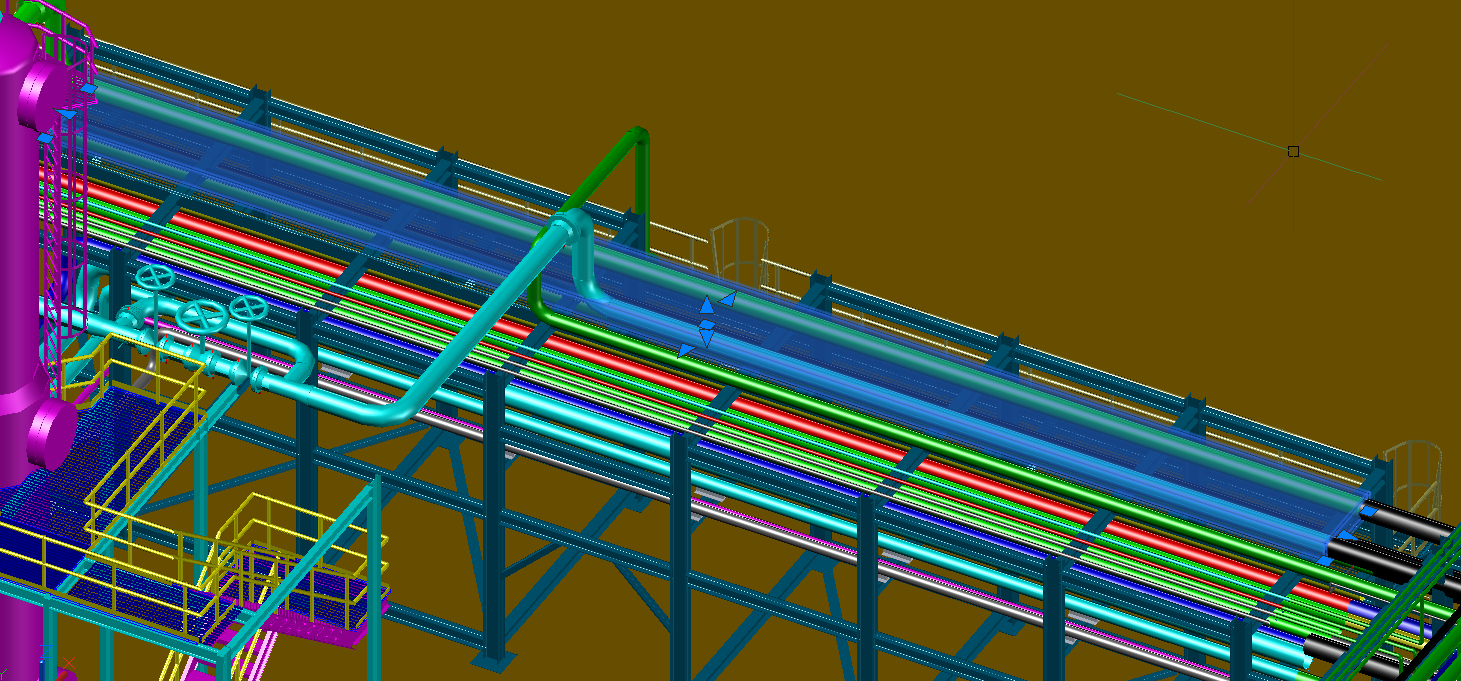
Only one clip box is allowed at a time.