4.9. Transfer Properties
4.9. Transfer Properties

Transfers line numbers and line group properties from a source object to one or more target objects – comparable to AutoCAD's "Match Properties" brush, but specifically tailored to Plant 3D line objects. This allows even complex line properties to be adopted without having to go through the properties dialog.
Ribbon button: Properties > Properties
Command: PiCriMatchProperties
Procedure:
- Start the command. First, click the source object whose properties are to be adopted.
- Select one or more target objects by single-click or selection window. Already assigned objects can be reselected. Confirm with Enter.
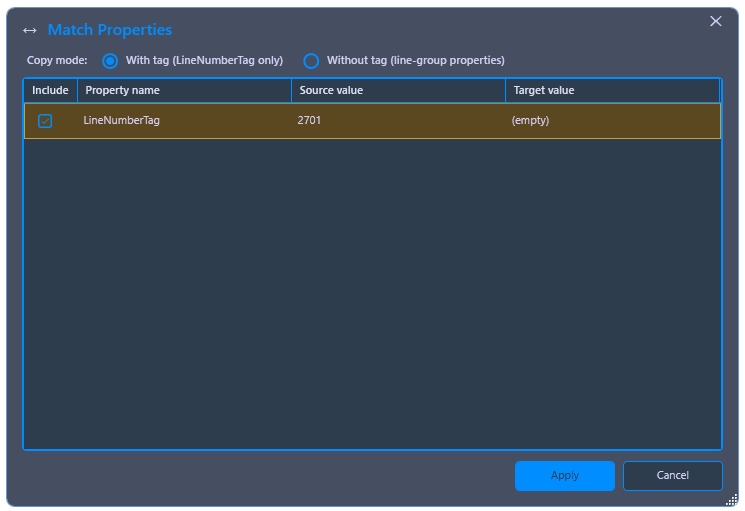
- Select the copying mode: With Tag adopts the complete line number (Tag) and adds the target object to the line group; Without Tag only transfers the line group properties, without changing the tag of the target object.
- In the comparison dialog, Source Value and Target Value are displayed for each property. Click Apply to execute the transfer.