4.2.4. Remove, Numbering (Weld Seam / Spool / Part)
On this page
Deletes all numbering data for the current mode from a selected pipeline.
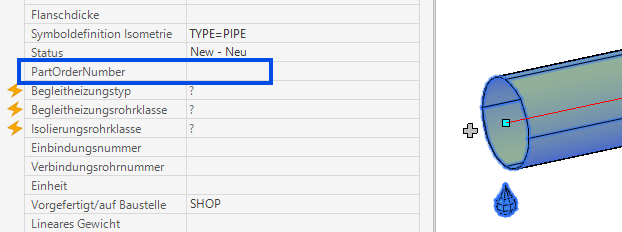
Procedure:
- Select the mode from the drop-down list.
- Click "Remove".
- Select a pipe or fitting in the pipeline whose numbers you want to remove.
- All numbering data and associated annotations for that mode will be deleted from the pipeline.
Command: PiCriGenericDelete