4.3.3. Convert, AutoRouting
On this page
Selects existing elements in the drawing and re-routes them using the Auto-Routing logic. Use this function to apply Auto-Routing to elements that were placed before the feature was activated.
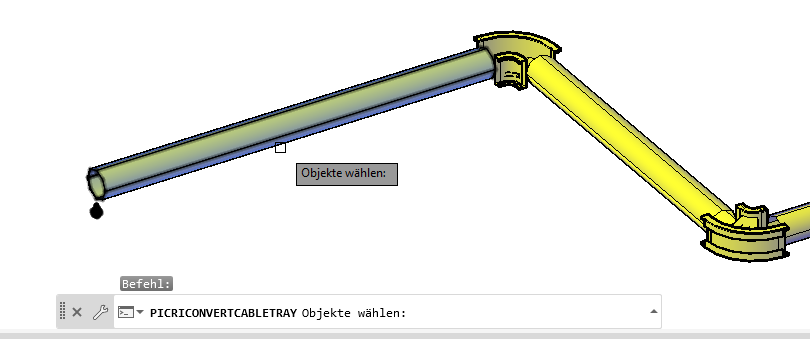
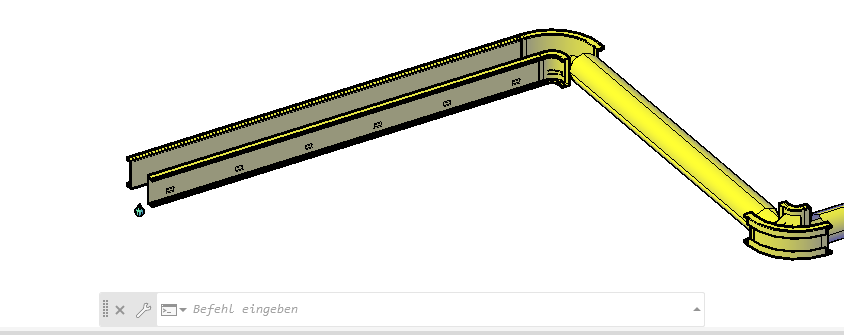
Ribbon Button: AutoRouting > Convert
Command: PiCriConvertCableTray
Several elements can be selected and converted together in one operation.
Application Benefit: With "Convert," an already placed round pipeline can be subsequently converted into a Python-based component. This allows Python scripts and shapes created retroactively to be applied to existing pipelines without having to redraw them.