4.4.2. Clip, Clip Box
On this page
Toggles model clipping using the prepared clip box on or off.
Ribbon button: Clip Box > Clip
Command: PiCriClipBox
Behavior:
- If no clipping frame has been prepared, a message will appear stating that no frame is defined.
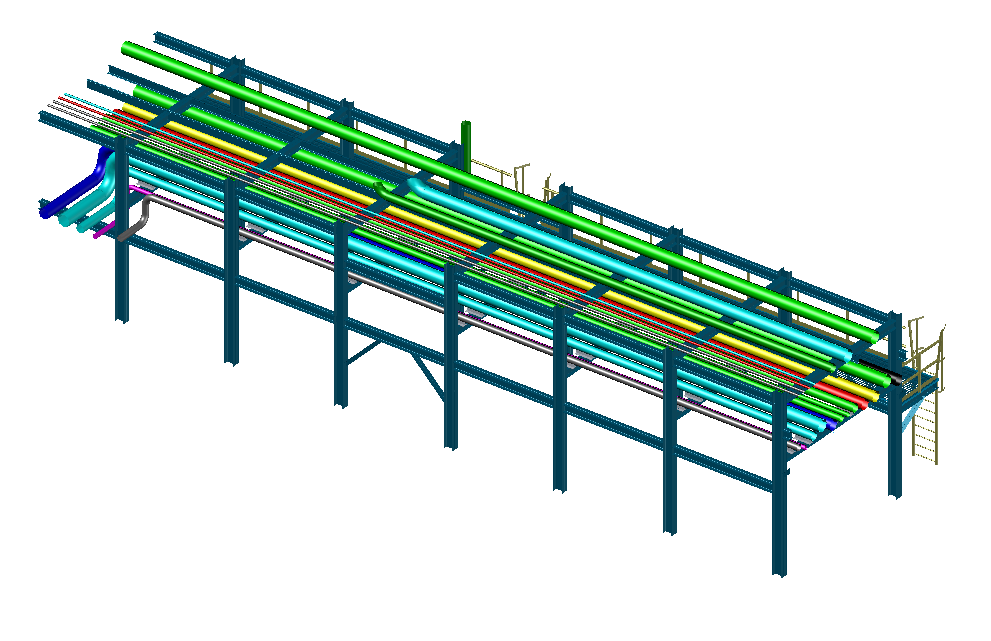
- If the model is not clipped, clicking "Clip" applies the clipping box – all geometry outside the box is hidden.
- If the model is already clipped, clicking "Clip" removes the clipping and restores full visibility.
The clipping status is maintained in the drawing, so it persists across save/close/reopen cycles.