4.3.4. Flip, AutoRouting
On this page
Flips the orientation of selected in-line elements (fittings, tees, etc.).
Ribbon Button: AutoRouting > Flip
Command: PiCriFlipCableTray
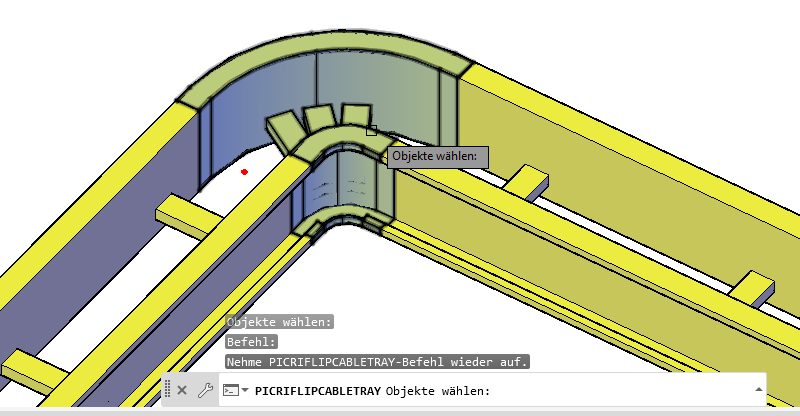
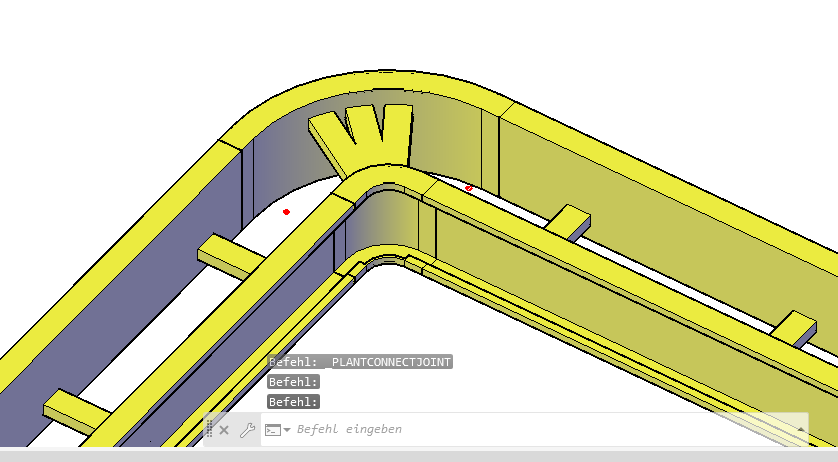
Typical Use Case: In bends, it can happen that the transverse or connecting struts of the cable trays point in the wrong direction. With "Flip," the bend can be reversed in one operation, so that the struts then sit on the desired side.
Further Application: For Python-based components with a distinct top/bottom or left/right orientation (e.g., cable trays with a clearly recognizable top and bottom), the orientation can be reversed using "Flip." Via multiple selection, connected sections can also be mirrored in one operation.