4.1.2. Drawing Selection, Bolt Length Calculation
On this page
When you run “Update” or “Exact Update”, a drawing selection dialog box appears with two modes:
- Current Drawing – Processes only the currently active drawing.
- Project – Displays the Plant 3D project structure with checkboxes. You can expand folders, select or deselect individual drawings, and use the “Select All” / “Deselect All” toolbar buttons.
Click “OK” to continue, or
“Cancel” to abort the process.
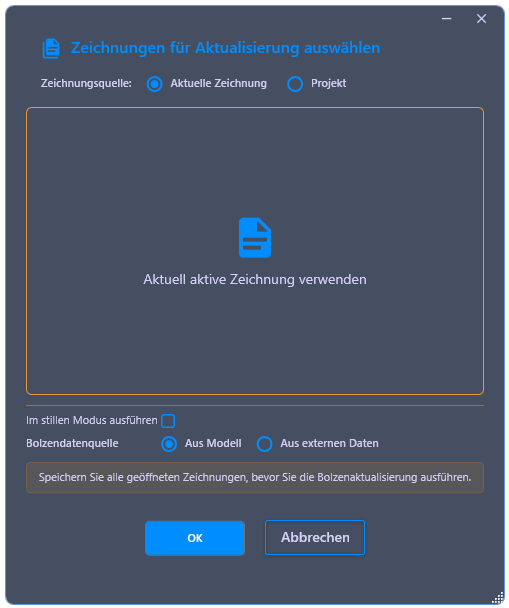
In the same dialog, two additional options are available that control the calculation behavior:
- Silent Mode – If enabled, the selected drawings are not opened in the editor. The calculated values are written directly into the Plant 3D project database. This significantly speeds up processing, especially for projects with many drawings.
- Bolt Data Source – Determines where the flange
thicknesses for the calculation are obtained from:
- From the model – The flange thicknesses are read from the corresponding properties of the flanges in the 3D model. Prerequisite is that the flange thickness is maintained for the components.
- From external data – The flange thicknesses are imported from an external data source. This option is useful if no flange thickness properties are stored on the model.