4.3.2. Auto Route, AutoRouting
On this page
Turns the Auto-Routing mode on or off. When active, PiCri performs automatic routing of newly placed pipe elements using the Auto-Routing logic.
Ribbon Button: AutoRouting > Auto Route
Command: PiCriAutoRouting
The current status (ON/OFF) is displayed in the command line and persists between sessions. When you place pipe objects while Auto Routing is enabled, PiCri intercepts the placement and automatically applies the routing algorithm.
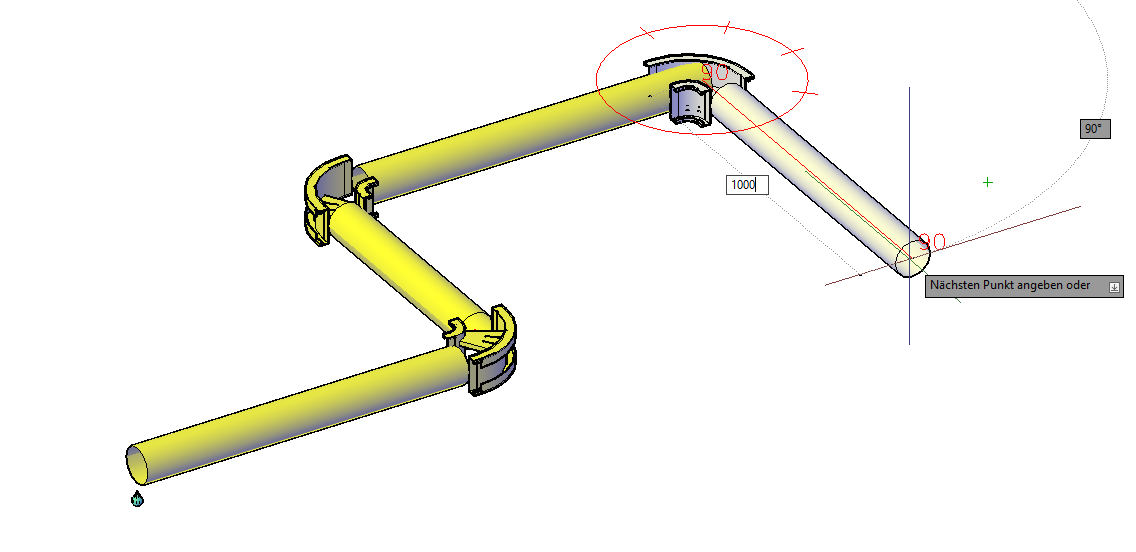
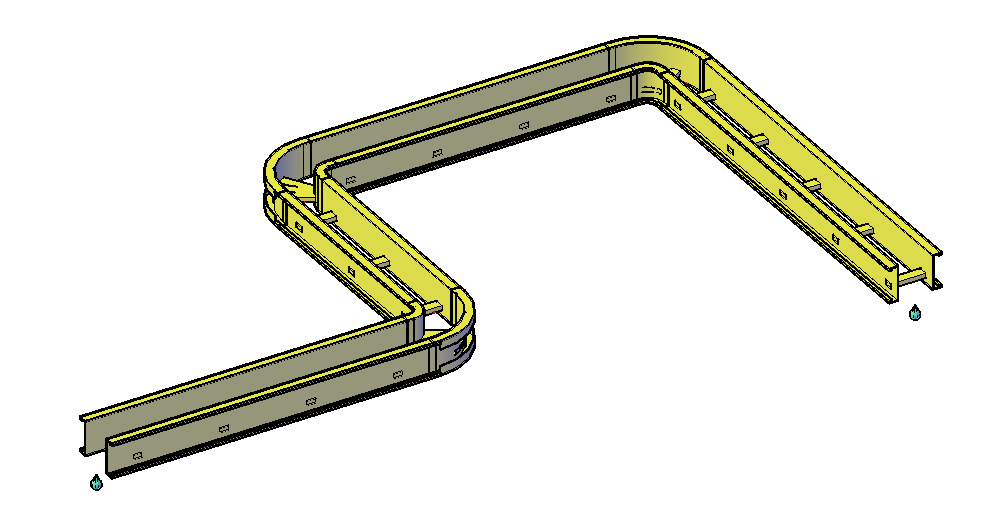
Behavior without Auto-Routing enabled: With Auto-Routing disabled, cable duct components are still placed as pipelines with a round profile (as Plant 3D does by default). Only at bends is the cable duct profile already displayed. Only when Auto-Routing is activated are newly placed straight sections immediately converted into genuine cable duct geometry. Existing round pipelines can be subsequently converted using "Convert" (see Section 6.3).