5.1.11. ForceSameSupport, Module 2 Settings
On this page
Overview
This option belongs to the Turbo Tools function and is used for multiple placement. It specifies whether only the same support/clamp that was selected is to be placed or whether alternatives can also be used.
The available options are:
0 - Can place the next available support/clamp: The next suitable support or clamp is used automatically.
1 - Can only place the selected support/clamp: Only the previously selected support or clamp is used.
2 - Can place similar types of the selected support/clamp: Similar supports or clamps of the same type can be used.
Values
The default value of the ForceSameSupport setting is 2.
Example
Value 2 example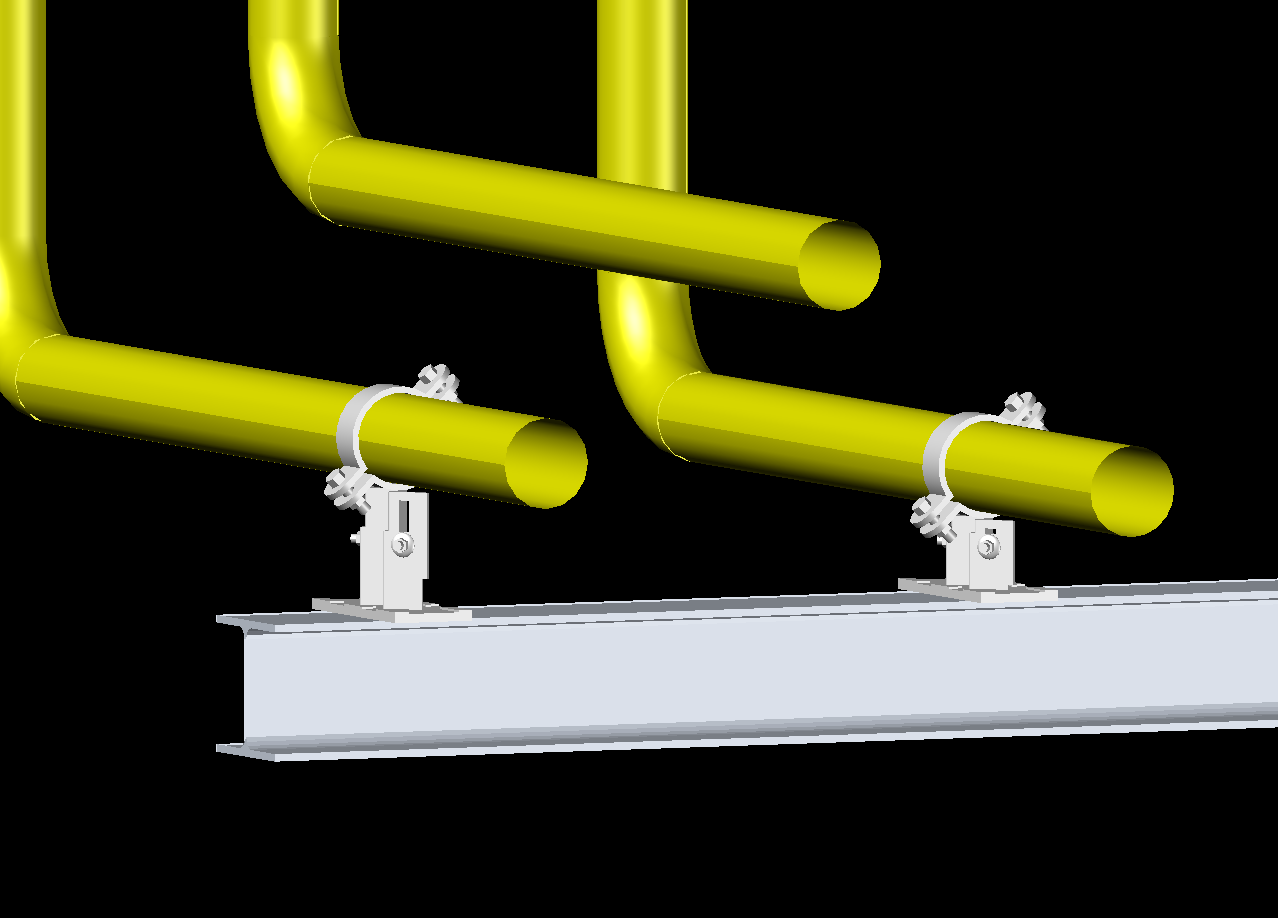
Value 1 example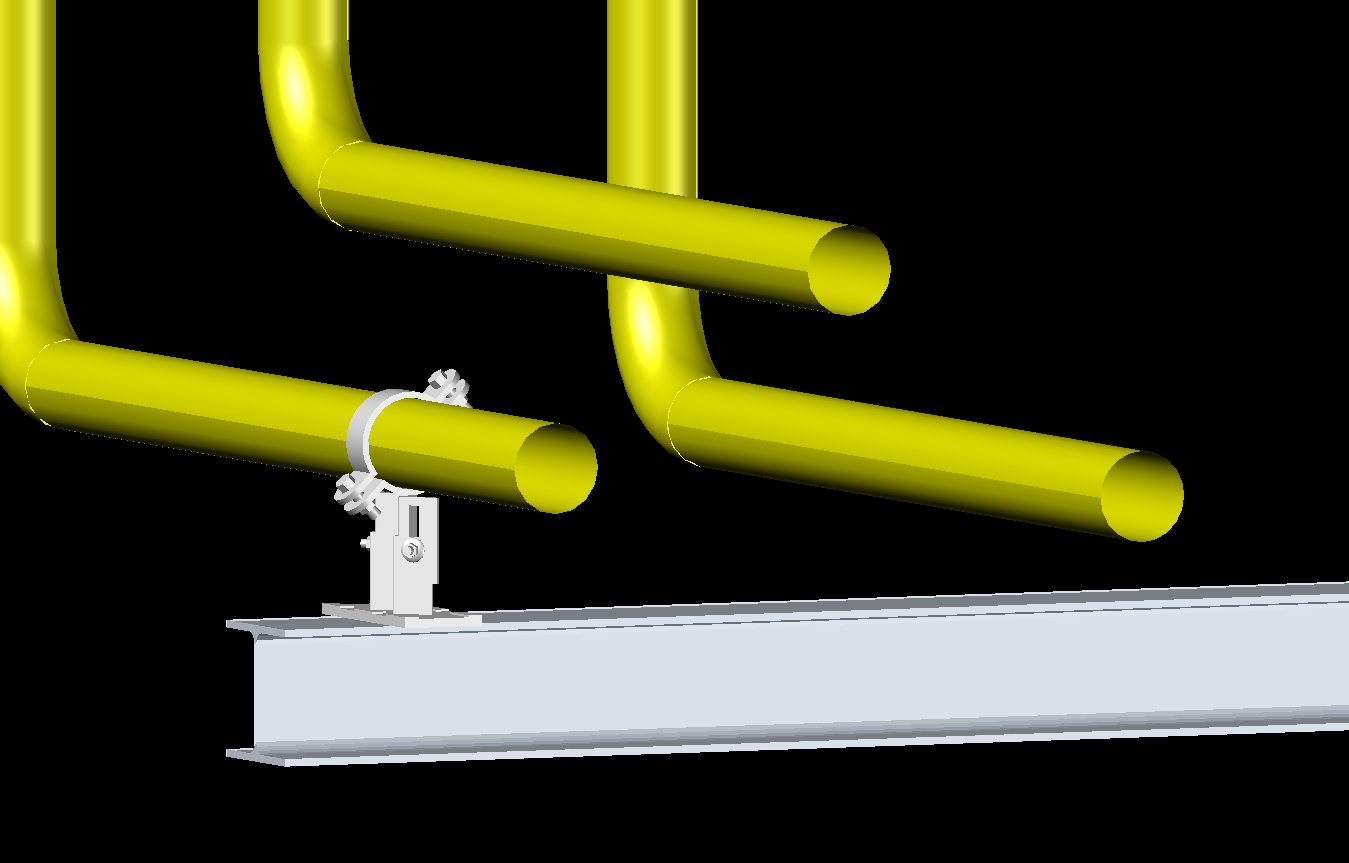
Value 0 example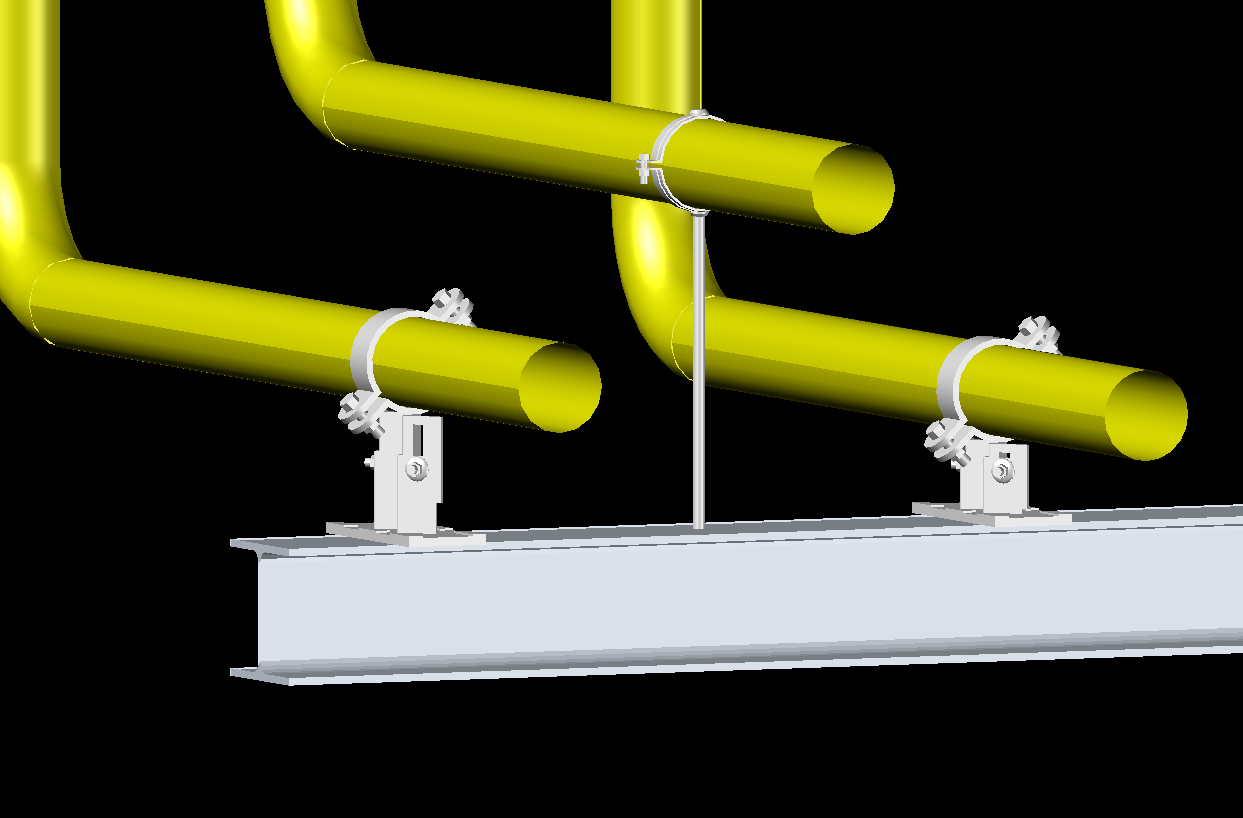
Related function
This setting belongs to the Turbo Tools function.
Copyright © 2026 by IntegaDesign GmbH. All Rights Reserved.