5.1.3. SpaceAboveStructure, Module 2 Settings
On this page
Overview
This option is used in the Turbo Tools to identify, in the automatic selection for multiple supports, pipes that are located above a structure and whose height is below a defined value (Value). It enables fast and precise filtering of support points based on the relative position of the pipes.
Where can I find the setting?
Open the Settings window with the command SuCriSettings or in the SuCri ribbon using the Settings button. On the left, select the Module 2 tab, then the General subtab, Turbo Tools group. There the setting is called Space above structure. Apply changes with Save.
Values
The default value of the SpaceAboveStructure setting is 500 (mm).
Possible values: decimal number from 0, in millimeters. In projects with inch units, SuCri automatically converts the value to the project unit.
Example
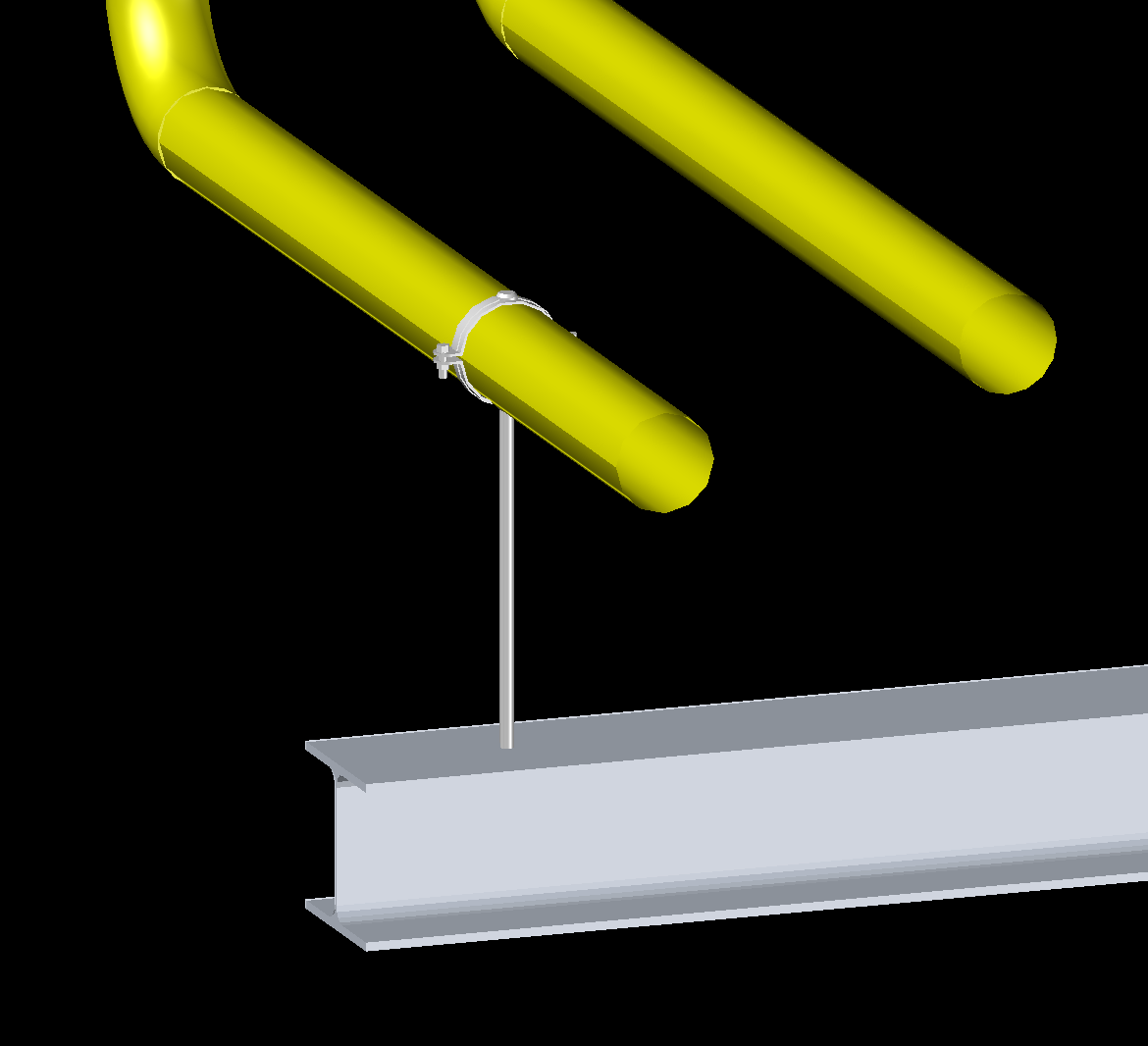
Value example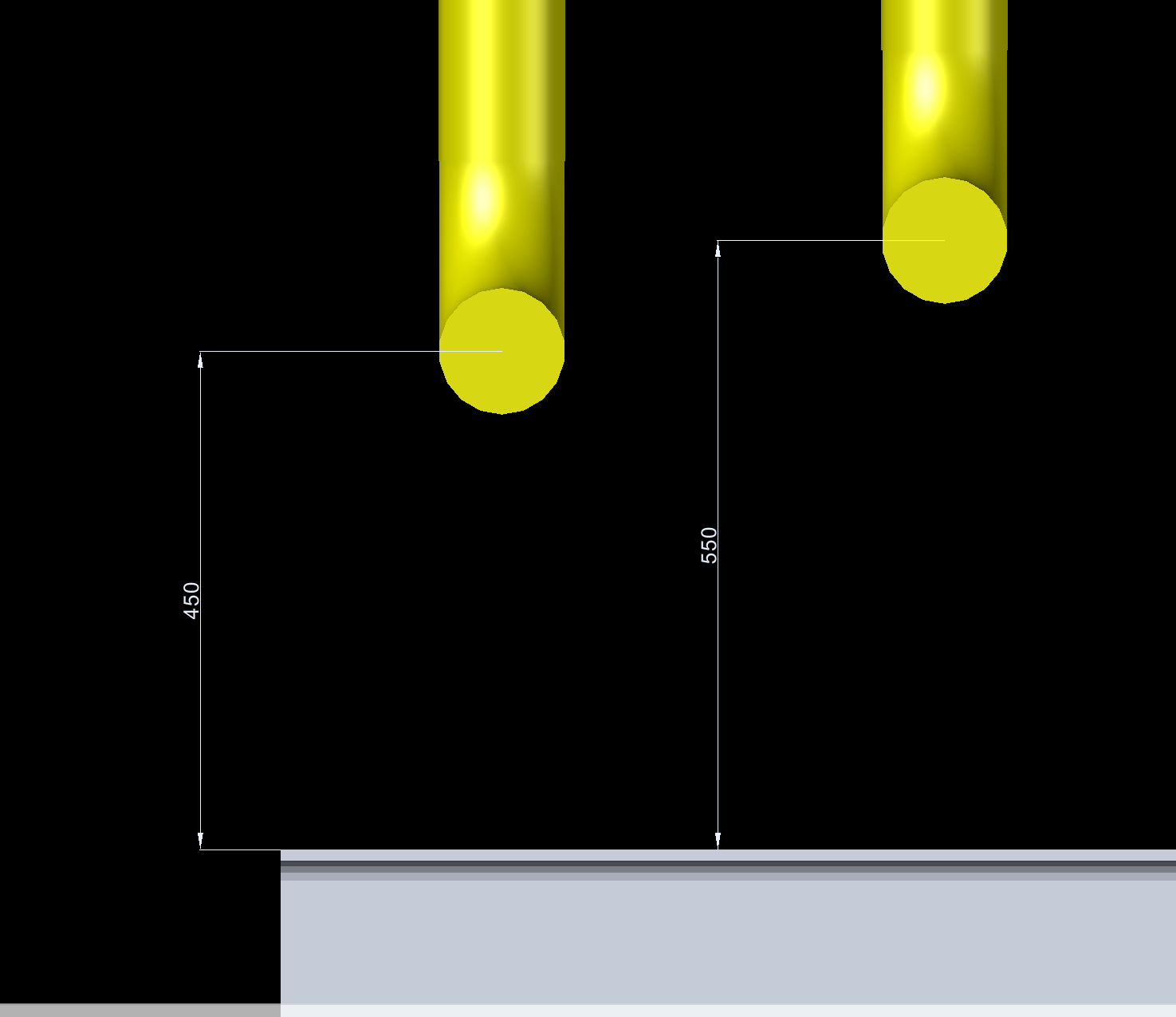
Related function
This setting belongs to the Turbo Tools function, for example 4.2.6. Support [x] (SuCri2AutoSelectMultipleSupport).
Copyright © 2026 by IntegaDesign GmbH. All Rights Reserved.