5.1.17. SupportLayer, Module 2 Settings
On this page
Overview
This option defines the layer on which SuCri supports are placed:
- Default: SuCri does not change the layer; the layer setting from the project applies.
- SuCri_Supports: Supports are placed on the "SuCri_Supports" layer.
- Custom layer name: You can also enter any other layer name.
The change takes effect immediately after Save; a restart of Plant 3D is not necessary.
Where can I find the setting?
Open the Settings window with the command SuCriSettings or in the SuCri ribbon via the Settings button. On the left, select the Module 2 tab, then the General subtab, group Placement and overrule. There, the setting is called Support layer. Apply changes with Save.
Values
The default value of the SupportLayer setting is SuCri_Supports.
Possible values: Default, SuCri_Supports or a freely entered layer name.
Example
Example value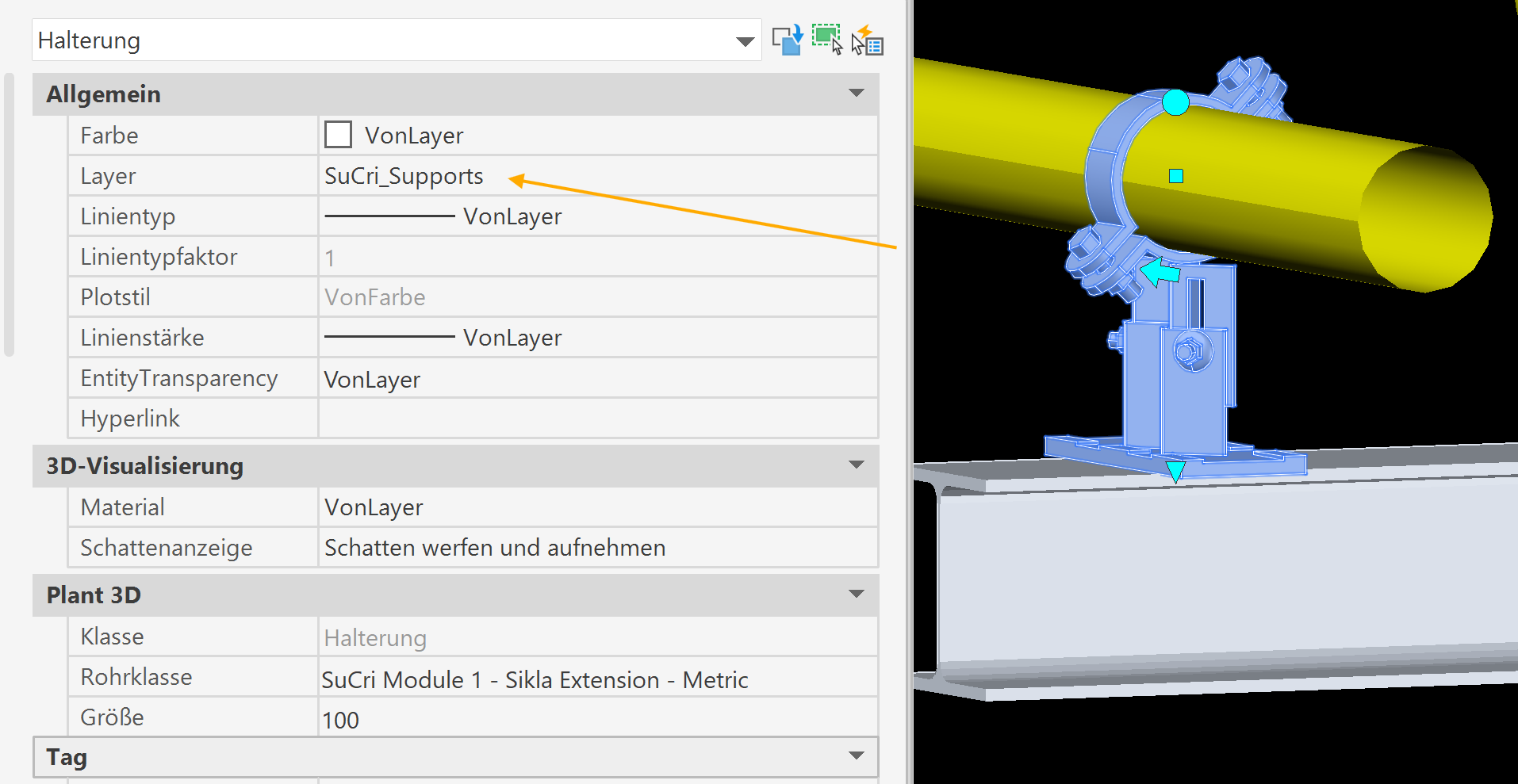
Related function
Used when placing supports from the pipe spec.
Copyright © 2026 by IntegaDesign GmbH. All Rights Reserved.