5.1.6. TurboToolsSupportInfo
On this page
Overview
When using the Turbo Tools, you can set which type of information about the support is displayed. The available options are: PartFamilyLongDesc: displays the detailed description of the part family of the support. PartSizeLongDesc: displays the detailed description of the part size of the support. ShortDescription: displays a short description of the support.
The setting only controls the display when selecting the support and the clamping system while using the Turbo Tools functions, not the display in a bill of materials.
Values
The default value of the TurboToolsSupportInfo setting is PartFamilyLongDesc.
Possible values: - PartFamilyLongDesc - PartSizeLongDesc - ShortDescription
Example
Value - PartFamilyLongDesc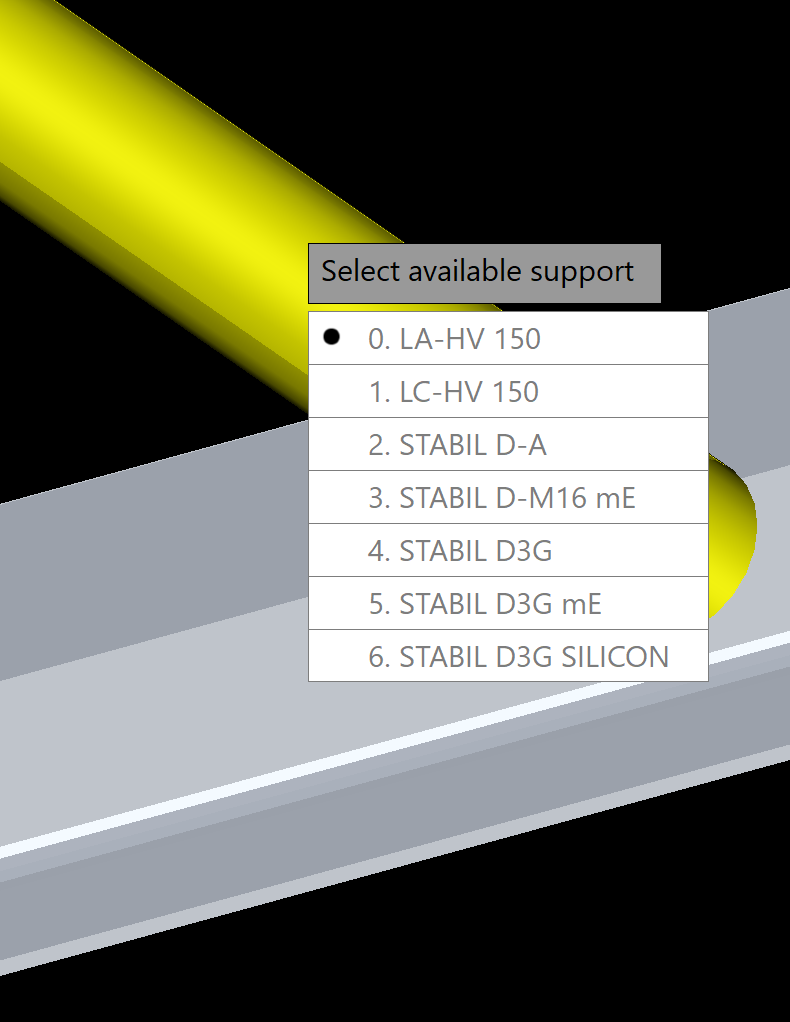
Value PartSizeLongDesc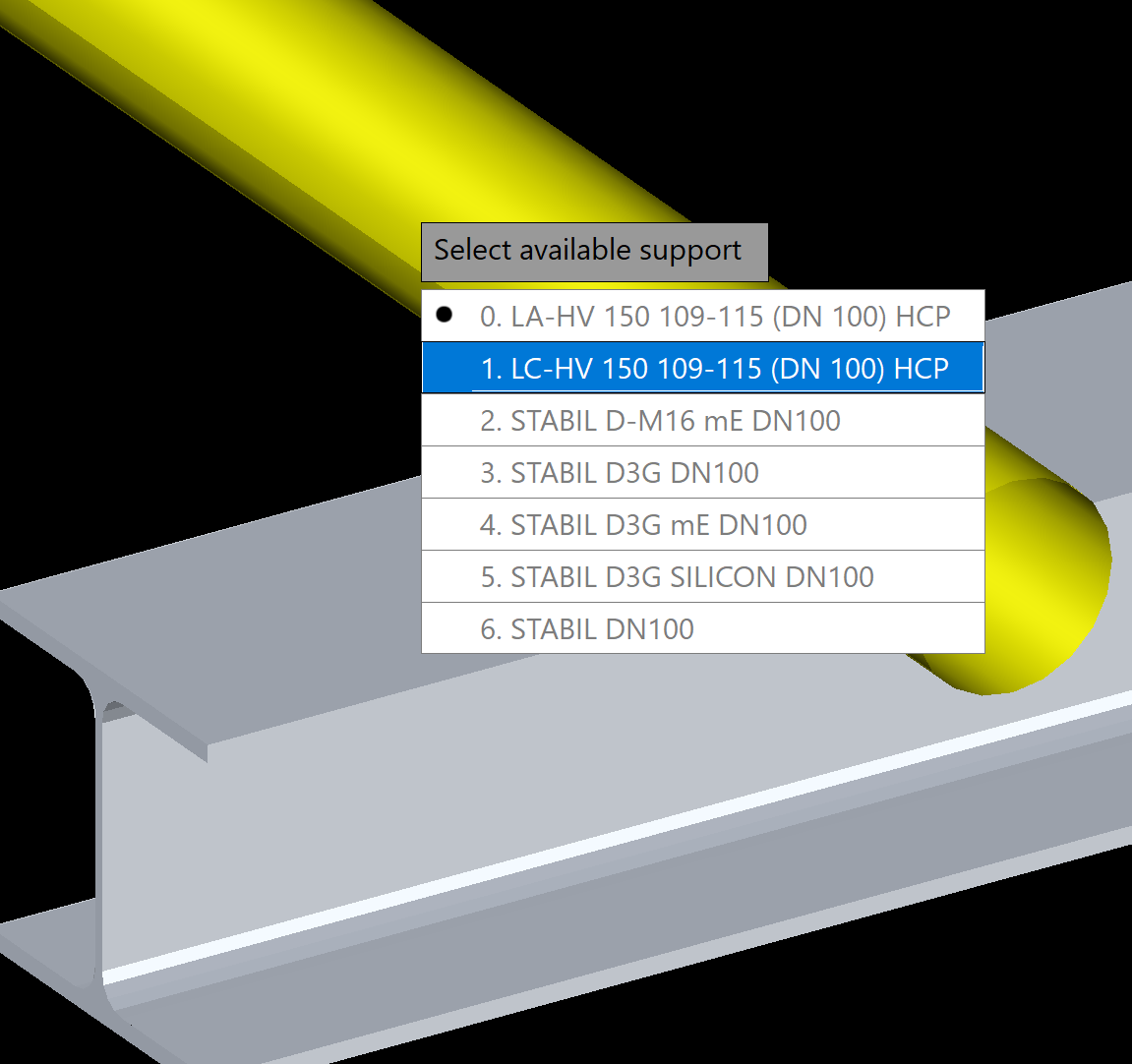
Value ShortDescription (ShortDesc and PartFamilyLongDesc have the same value)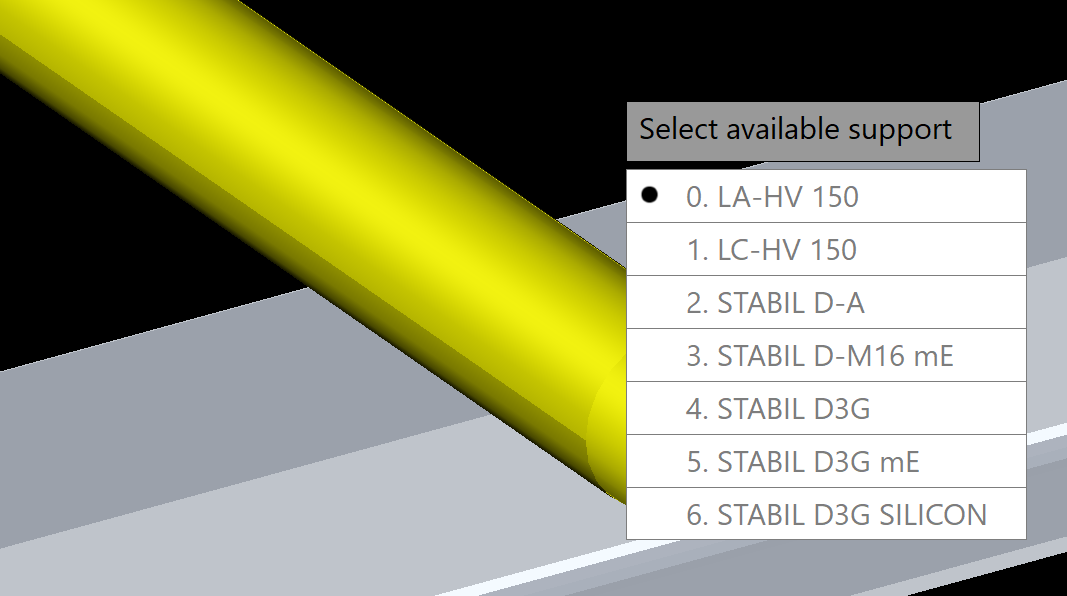
Related function
This setting belongs to the Turbo Tools function.
Copyright © 2026 by IntegaDesign GmbH. All Rights Reserved.